

One project. Every teammate on the same page.
A project bundles your files, chats, outputs and instructions. Connect the teammates who need it, and they all work from the same business content — not their own copy.
- Q4 board pack.pdf
- Chart of accounts.xlsx
- Client brief.docx
- Pricing 2026.csv
Project
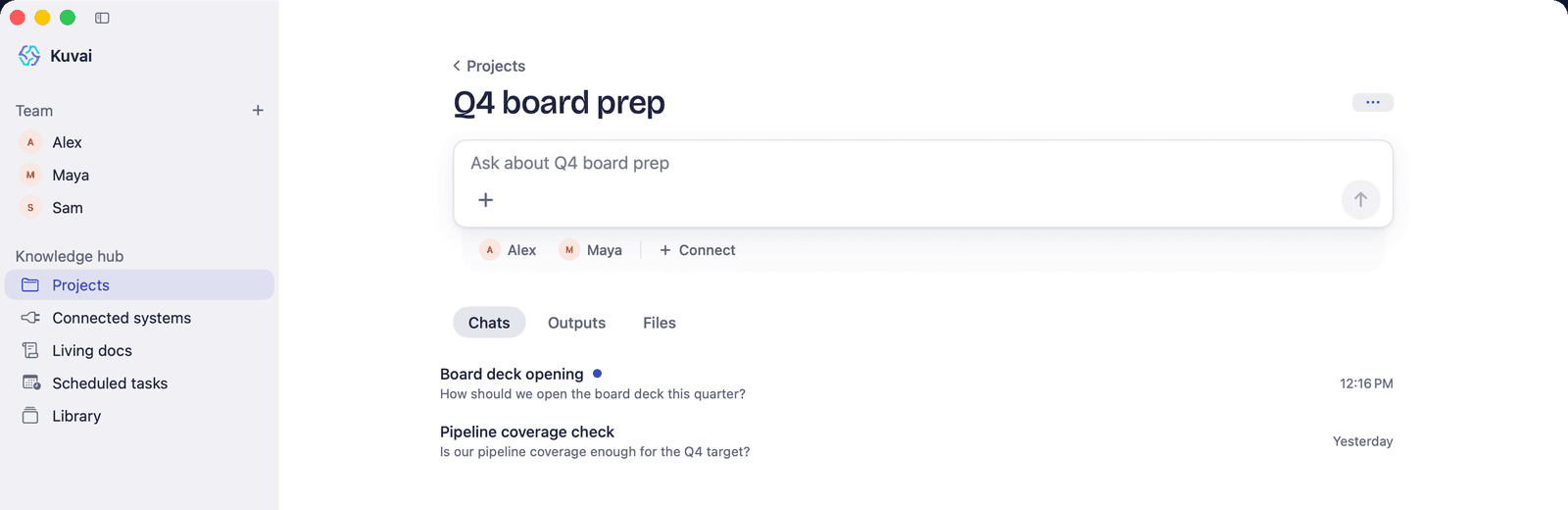
Q4 board prep
4 files · 3 teammates · 12 chats
- MayaBookkeeper
- PriyaResearch Analyst
- MiaPersonal Assistant
Ground the whole team in your business. Once, in one place.
Files, chats and outputs together
Upload what the work needs — 16 file types up to 150 MB — and keep the chats and outputs that come from it alongside.
Several teammates, one source
Connect a bookkeeper, an analyst and Mia to one project and each works from the same files. Add or remove a teammate any time.
Instructions everyone follows
Write the rules once — formats, terms, who the client is — and every teammate connected to the project follows them.
Finds what you mean
Files are indexed for search, and scanned PDFs and photos are read with OCR, so a teammate finds the clause or the figure you mean.
Ask across a whole folder
In a project chat, ask one question across a folder of up to 2,000 files.
Skills you teach with a file
Add playbooks to a skills project and a teammate reuses them. Connecting Gmail, HubSpot, Jira, QuickBooks, PostHog or Search Console adds a ready-made one.
Know when work lands
A project shows an unread badge when a teammate responds, and outputs collect in its Outputs tab.
Same project everywhere
Projects, with their chats, outputs and files, are on the web and in the iPhone and Mac apps.
How it works
Set it up once. Every teammate uses it.
- 1Create a project and name it after the work — “Q4 board prep”, “Client: Harlow & Finch”.
- 2Add the files it should know: upload them, or copy uploads in from your Library.
- 3Write the instructions every teammate should follow inside this project.
- 4Connect the teammates who need it. You can also attach a project from any teammate's chat; the teammate is told it now has it.
- 5Ask in the project chat or a teammate's chat. Answers come from the project's files, and every reply shows which sources it read.
See it on a real job. Step by step.
The rest of the Knowledge Hub. It works together.
Questions, answered
What is a project in Kuvai?
A project is a scoped bundle of files, folders, chats, outputs and instructions. Connecting a teammate to a project keeps its work, and the context you give it, in one place.
Can several teammates work from the same project?
Yes. Connect as many teammates as need it — a bookkeeper, an analyst and Mia, say — and each works from the same files and the same instructions, so their answers agree.
How is a project different from Company Context?
Company Context is the profile every teammate starts from: Kuvai drafts it from your homepage plus up to 4 pages, in 6 sections you can edit. A project is narrower — the files and instructions for one client, deal or piece of work, shared by the teammates you connect to it.
Which files can I add to a project?
16 file types up to 150 MB each — PDFs, Word documents, spreadsheets, slides, CSV, images and more. Scanned pages and photos are read with OCR, and you can copy files in from your Library.
Can I see where an answer came from?
Yes. Every reply shows its steps in the Transparency trail, including which project files it read.
Your team is one teammate away.
Describe the job. Kuvai builds the teammate. You decide how far it goes.