

Use case
Your next customers are already using the free plan. Your AI teammate finds them every morning.
Ranked from real usage, every morning. Drafts for your OK.
Reads your data · Drafts for your OK
No credit card No demo No sales call


 Reads HubSpot and PostHog
Weekdays at 8:00 AM
See it work
One run, start to finish. Click any step.
Nora Revenue operations
MainMessage Nora…
- Works with
- HubSpot
- PostHog
- S Supabase
 BigQuery
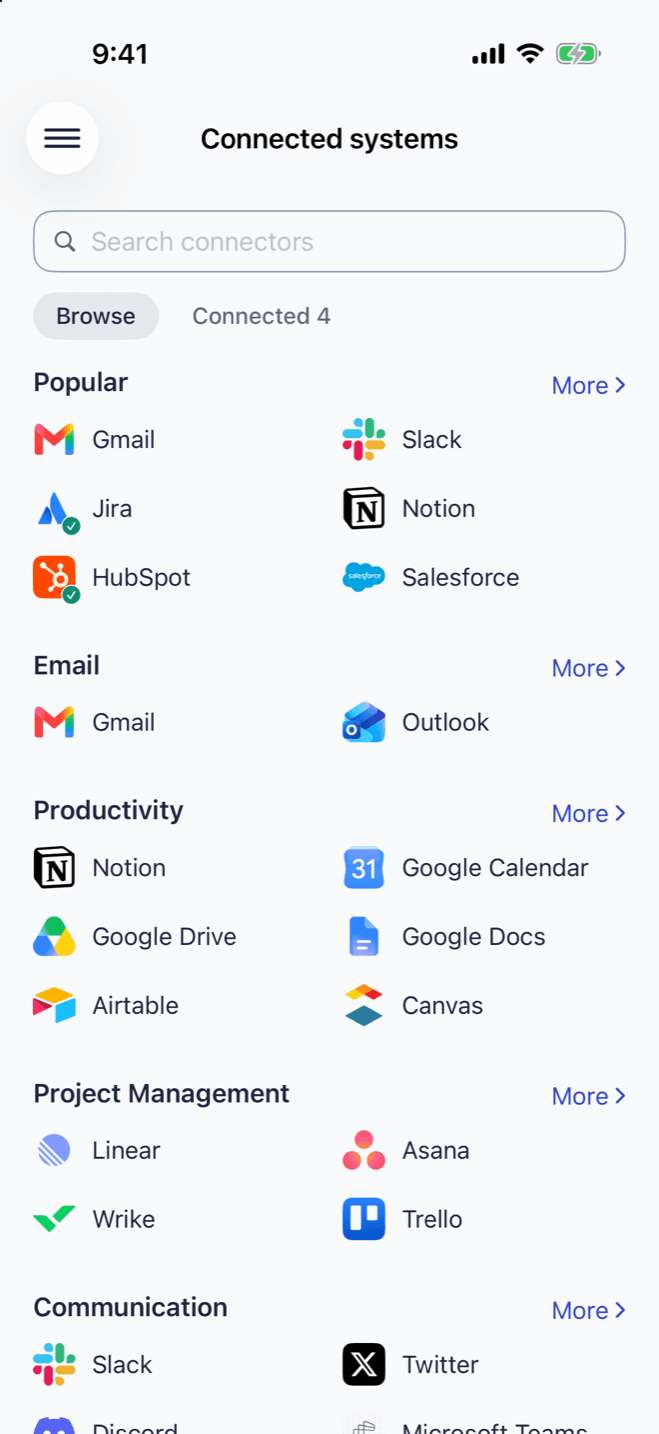
Connected to HubSpot and PostHog (or Supabase, or BigQuery). · Reads only unless you ask
What was waiting this morning
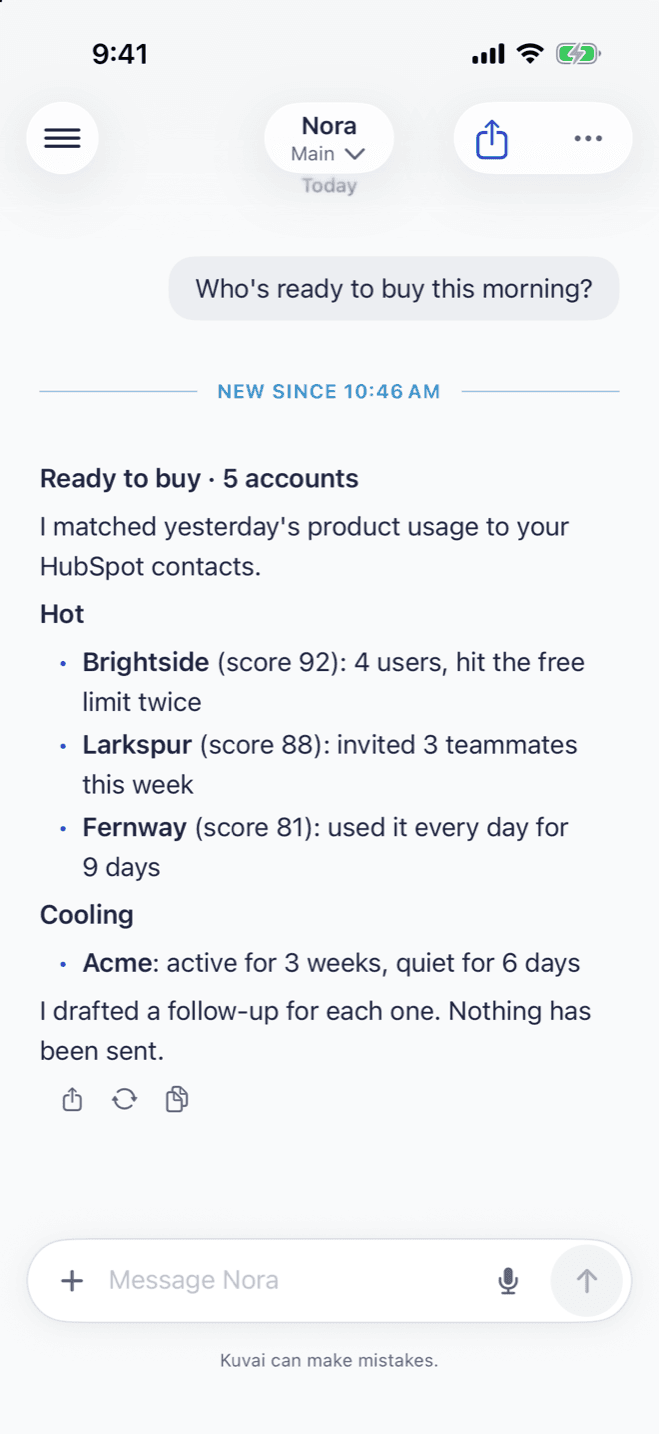
- Five free accounts ranked by how they actually use the product.
- Why each one made the list: daily use, invited teammates, hit a limit.
- A drafted follow-up for each, mentioning what they did.
- We sent four of the five before lunch. Two booked a call. It found them; we decided.
Your CRM shows who signed up. Your product data shows who's actually using it. Your AI teammate joins the two every morning, ranks the free accounts most likely to buy, and drafts a follow-up for each. You decide who hears from you. You describe the job once. Your teammate does it every day.
Why it keeps slipping.
It isn't a lead problem. It's a matching problem.
Your CRM knows who signed up. Your analytics knows who came back. They never meet, so the account that used the product every day gets the same email as the one that never logged in. The fix was never more leads. It was someone reading both every morning.
Imagine opening this.
Your free accounts most likely to buy, ranked from real usage, each with a follow-up drafted.
How a teammate handles it. Step by step.
- 1Describe the jobWhat counts as ready to buy.
- 2Connect HubSpot and your product dataPostHog, Supabase or BigQuery.
- 3It runs every morningAnd the list lands in your chat on Mac and iPhone.
- 4You decideSend, edit or skip each follow-up.
Who does it.
Revenue Operations Specialist
Aligns sales, marketing, and customer success with shared funnel metrics, clean handoffs, and a well-run revenue tech stack.
Sales →
Data Analyst
Turns business data into clear, decision-ready insights and answers ad-hoc questions with reliable analysis.
Data & AI →
Sales Development Representative (SDR)
Builds qualified pipeline by researching prospects, drafting outreach, and prioritizing the leads most likely to convert.
Sales →
Your teammate on your iPhone and your Mac.
Read each run's results and reply from your phone or your Mac. One account on both, free to start.
This is one job. Most people hand over three.
Once one teammate is doing a job properly, the next one is a sentence away.
The cooling list
Accounts that were active and went quiet.
The HubSpot update
Writes each score to a contact property, with your OK.
The weekly read
Which features the accounts that paid used first.
Drafts first. You send.
You set the job to draft only. The ranked list and the follow-ups land in your teammate's chat, and you decide who hears from you.
Frequently asked questions
HubSpot already scores leads. Why this?
HubSpot scores from what is in the CRM. Your teammate adds what people actually do in your product.
Which data does it need?
HubSpot, plus one of PostHog, Supabase or BigQuery.
Does it enroll people in sequences?
No. It drafts each follow-up, and you send it.
Can it update HubSpot?
Yes. It can write each score to a contact property once you approve.
Where do I see it?
In your teammate's chat on the web and in the Mac and iPhone apps. The ranking also lives in a tracker your teammate keeps up to date.
Talk to the users ready to buy.
Describe the job. Kuvai builds the teammate. You decide how far it goes.